Ever wondered why some websites know your location instantly—or why your game is lagging even with fast internet?
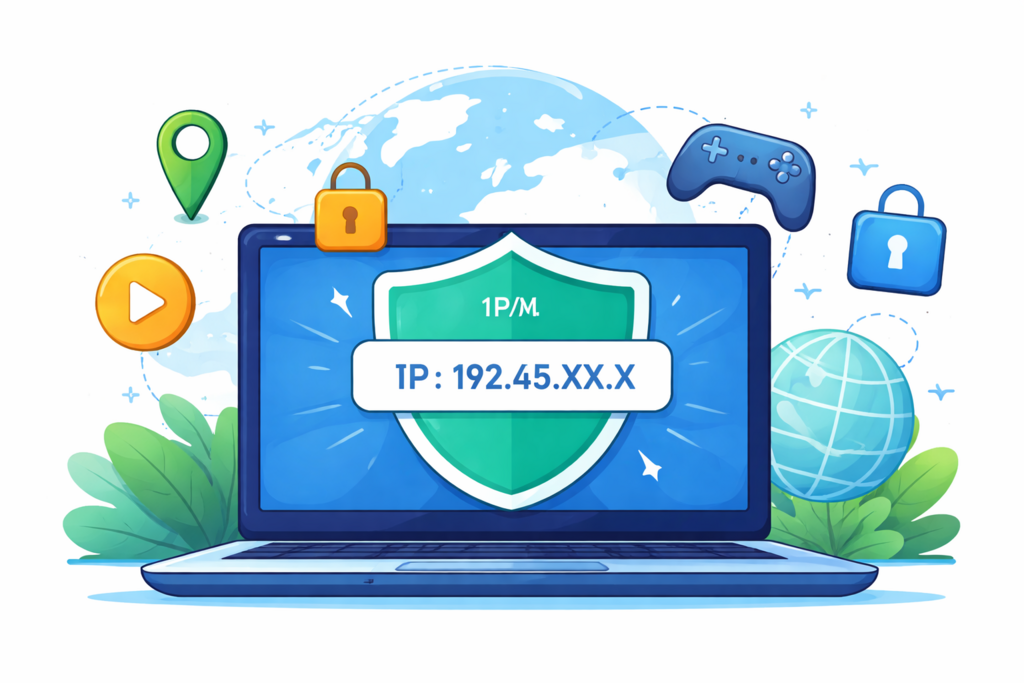
That’s your IP address at work. It acts like your device’s digital ID, telling websites where you are and how to connect with you. But here’s the thing: sometimes you don’t want to be tracked, blocked, or stuck with slow connections. Whether you’re trying to boost your gaming performance, unlock region-restricted content, or just protect your privacy, learning how to change ip address can make a real difference.
In this complete guide, you’ll learn exactly how to change ip address across different devices, explore the best methods for privacy, gaming, and streaming, and discover which option works best for your specific needs.
Understanding IP Addresses Before You Change One
Before jumping into methods, let’s clear up what an IP address actually does—because once you get this, everything else becomes easier.
What an IP Address Actually Does
An IP (Internet Protocol) address is a unique number assigned to your device when it connects to the internet. Think of it like a return address on a package—without it, websites wouldn’t know where to send data.
Every time you:
- Visit a website
- Play an online game
- Stream a video
Your IP address is involved behind the scenes.
Public vs Private IP Addresses
Here’s where many people get confused.
- Public IP address: Assigned by your Internet Service Provider (ISP). This is what websites see.
- Private IP address: Used inside your home network (like between your phone and router).
When people search how to change ip address, they usually mean the public IP—because that’s what affects location, access, and tracking.
Static vs Dynamic IP
- Dynamic IP: Changes automatically from time to time (most home users have this)
- Static IP: Fixed and doesn’t change unless manually updated
This matters because some methods (like restarting your router) only work if you have a dynamic IP.
Why Someone Might Want to Change an IP Address
Let’s be real—people don’t search this out of curiosity. There’s always a reason.
For Online Privacy and Security
If you don’t like the idea of websites tracking your location or activity, changing your IP adds a layer of privacy. It helps reduce your digital footprint and makes it harder to link actions back to you.
For Gaming and Lower Ping
Gamers often try to change IP address to:
- Access different game servers
- Avoid IP bans
- Improve matchmaking
That said, changing IP doesn’t magically fix everything—but it can help in specific scenarios.
For Streaming and Geo-Restricted Content
Ever seen: “This content is not available in your region”?
Your IP is the reason. Platforms use it to decide what you can or cannot watch.
For Fixing Network Issues
Sometimes, the simplest fix for connection problems is refreshing your IP—especially if there’s an IP conflict or temporary block.
The Best Ways to Change IP Address
Now let’s get practical. Here are the most effective ways to change IP address—each with its own pros and trade-offs.
Using a VPN (Most Popular Method)
A VPN (Virtual Private Network) reroutes your internet connection through a server in another location.
What happens?
- Your real IP is hidden
- You appear to be browsing from another country
This is why VPNs are widely used for:
- Privacy protection
- Streaming access
- Gaming region switching
Restarting Your Router
Simple, but surprisingly effective.
If your ISP uses dynamic IPs:
- Turn off your router
- Wait a few minutes
- Turn it back on
You may get a new IP automatically.
Using a Proxy Server
A proxy works like a middleman between you and the internet.
- Faster than VPN in some cases
- But less secure
Good for quick tasks, not ideal for privacy.
Switching Networks
Sometimes the easiest fix is:
- Switch from Wi-Fi to mobile data
- Connect to a different network
Instant IP change, zero setup.
Requesting a New IP from Your ISP
If you’re using a static IP, you may need to contact your ISP directly. This is more common in business environments.
Method Comparison: Which Option Is Best for You?
Not all methods are equal. Let’s keep it simple.
- Best for privacy: VPN
- Fastest quick fix: Restart router
- Temporary access: Proxy or mobile network
- Advanced control: ISP request
The key is matching the method to your goal.
How to Change IP Address on Windows
Let’s walk through a practical example.
Release and Renew IP Address
- Open Command Prompt
- Type: ipconfig /release
- Then: ipconfig /renew
This refreshes your local IP.
Reset Network Settings
Go to:
Settings → Network → Reset
Useful if your connection is acting up.
Use a VPN on Windows
Install a VPN app, select a server, and connect. That’s it—your IP changes instantly.
How to Change IP Address on Mac
Renew DHCP Lease
- Open System Settings
- Go to Network → Advanced → TCP/IP
- Click “Renew DHCP Lease”
Use a VPN on macOS
Same idea as Windows—install, connect, done.
How to Change IP Address on Mobile Devices
Reconnect to Wi-Fi
Forget the network and reconnect. Sometimes you’ll get a new IP.
Switch to Mobile Data
This assigns a completely different IP from your carrier.
Use a VPN App
This is the most reliable method for mobile users—especially for streaming or privacy.
How to Change IP Address on a Router
Restart the Router
The classic method—still works for many users.
Access Router Settings
Advanced users can log into the router dashboard and adjust settings, but this isn’t necessary for most people.
How to Change IP Address for Specific Goals
Here’s where things get interesting—because your goal changes the best method.
For Gaming
You want:
- Stable connection
- Low latency
- Correct region
Avoid free proxies—they often make things worse.
For Streaming
Focus on:
- Reliable server locations
- Consistent speeds
A good VPN usually works best here.
For Privacy
Changing IP helps, but it’s not everything.
Combine it with:
- Secure browsers
- HTTPS connections
- Good security habits
For Remote Work
Stability matters more than anything. Choose a method that doesn’t interrupt your workflow.
Common Problems After Changing an IP Address
Let’s fix issues before they frustrate you.
Internet Stops Working
Usually caused by:
- Incorrect settings
- DNS issues
A quick restart often solves it.
Location Doesn’t Change
Your browser or apps may still use:
- Cached data
- GPS location
Clear cache or restart apps.
Connection Becomes Slower
This happens with:
- Poor VPN servers
- Overloaded proxies
Switch servers or tools.
Risks, Limitations, and Safety Tips
Let’s keep expectations realistic.
Changing an IP Is Not Full Anonymity
Your IP is just one piece of the puzzle. Websites can still track:
- Cookies
- Browser fingerprint
Free Tools Can Be Risky
Some free VPNs:
- Log your data
- Sell user activity
- Inject ads
If privacy matters, choose carefully.
Legal Considerations
Changing your IP is generally legal—but using it to bypass rules or restrictions may violate platform terms.
Conclusion: The Smartest Way to Change IP Address Based on Your Needs
At the end of the day, learning how to change ip address isn’t about finding one “best” method—it’s about choosing the right one for your situation. Want more privacy? A VPN is usually the most reliable option. Need a quick fix? Restarting your router may be enough. Trying to access content from a different region? Changing your location strategically makes more sense than guessing your way through random tools.
The smarter approach is not just changing your IP, but understanding why you’re doing it and choosing tools that actually support safer browsing.
FAQ: How to Change IP Address
Can I change my IP address for free?
Yes—methods like restarting your router or switching networks cost nothing.
Does changing IP improve gaming?
Sometimes. It depends on server location and routing, not just the IP itself.
Is a VPN the safest method?
Yes, when using a trusted provider.
Can I change IP without restarting my router?
Absolutely—VPNs and mobile networks are faster options.
Will changing IP hide my location?
Partially—it depends on the method used.
How often does my IP change automatically?
With dynamic IPs, it may change periodically or when reconnecting.