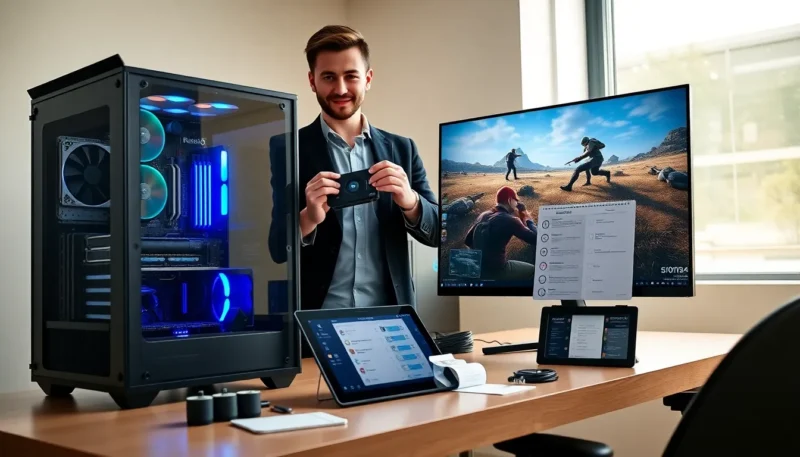
A gaming PC and monitor bundle gives a complete setup in one purchase. It saves time and often reduces cost. The buyer gets a tested system and a matched display. This guide explains when the bundle makes sense and what to check.
Key Takeaways
- A gaming PC and monitor bundle delivers a ready-to-use system with matched performance and often lower total cost than buying separately.
- Match CPU, GPU, memory (min 16 GB), and storage to your target resolution and play goals before choosing a bundle.
- Check expansion options, ports, warranty coverage, and return policy to ensure long-term value and easy upgrades.
- Compare bundles across budget tiers by prioritizing GPU and monitor specs, then factor in included accessories and support services.
- Set up and optimize your bundle by updating drivers, calibrating display settings, and organizing cables for best performance and reliability.
Why Choose A Bundle Over Building Or Buying Separately
A buyer chooses a gaming PC and monitor bundle when they want convenience and value. A bundle reduces compatibility work and testing time. A manufacturer pairs the PC and display for performance balance. A bundle often lowers the total price versus separate purchases. A buyer who wants a ready-to-use system benefits from a bundle. A buyer who prefers custom parts still may compare bundle prices. A bundle can include support and a single warranty for both items. A buyer should inspect the included components list before purchase.
Who A Bundle Is Best For
A beginner gamer benefits from a gaming PC and monitor bundle. A casual player benefits from fast setup and simple support. A budget-conscious buyer benefits from packaged discounts. A gift giver benefits from a complete package. A time-pressed buyer benefits from a prebuilt system. A power user who requires custom parts may not prefer a bundle. A buyer who values warranty simplicity may prefer a bundle.
Key Features To Look For In A Gaming PC And Monitor Bundle
A buyer should check core parts, display specs, and case features. The buyer must match performance to play goals. The buyer must confirm expansion options and ports.
CPU, GPU, And Memory: What Matters Most
A CPU handles game logic and background tasks. A modern CPU with four to eight cores suits most gamers. A GPU handles rendering and frame rates. A stronger GPU raises frame rates at higher resolutions. A buyer should pick the GPU based on the target resolution. A bundle should include at least 16 GB of memory for current games. A system with faster memory improves load times in some titles. A storage drive should include an SSD for the operating system and key games.
How To Compare Bundles Across Budget Tiers
A buyer should align the bundle choice with budget and goals. The buyer should compare CPU, GPU, memory, and screen in each tier. The buyer should watch for bundled accessories and support services.
Practical Buying Checklist And Decision Flow
A buyer should follow a checklist before purchase. The buyer should define performance needs, review specs, and confirm warranty terms. The buyer should test the return policy and support options.
Setup, Calibration, And Simple Optimization Tips
A buyer should set up the bundle carefully to get good results. The buyer should focus on cable routing, display settings, and driver updates.
Where To Buy Bundles And How To Spot A Good Deal
A buyer should compare offers from retailers and direct vendors. The buyer should watch for seasonal sales and manufacturer bundles. The buyer should read reviews and check return terms before purchase.