Gaming console accessories help players improve comfort, sound, storage, and streaming. This guide lists the key accessories, explains how they help, and shows what to check before buying.
Key Takeaways
- Prioritize gaming console accessories based on your play style—comfort and storage for casual play, low-latency audio and trigger mods for competitive gaming, and capture cards plus mics and lighting for streamers.
- Choose controllers add-ons like thumb grips, caps, and rechargeable battery packs for immediate control, comfort, and cost savings while checking model compatibility and charge specs.
- Upgrade storage and performance with external SSDs or expansion cards (USB 3.1+ recommended) and protect gear with surge protectors or a UPS to prevent data loss and hardware damage.
- Improve audio and streaming quality by picking wired headsets for low latency or wireless for freedom, adding external mics for clarity, and using capture cards and high-speed HDMI cables for reliable 4K/HDR capture.
- Shop smart for gaming console accessories by verifying compatibility, warranty, and reviews, buying from reputable sellers, and avoiding suspiciously cheap products that lack clear specs or support.
Must-Have Controller Accessories
Thumb Grips, Caps, And Extenders
Thumb grips add texture and reduce slip. Players fit them on analog sticks to gain better control. Caps increase stick height and give small leverage for precise moves. Extenders raise the thumbstick to lengthen travel and sharpen aim. Gamers should pick grips that match controller model and stick size. Many grips cost less than $10 and deliver clear improvement.
Rechargeable Battery Packs And Charging Stations
Rechargeable battery packs replace disposable batteries and cut long-term cost. Charging stations hold two controllers and charge them quickly. Players buy packs with built-in protection to avoid overcharge. A charging station keeps controllers ready and reduces clutter. Gamers should check charge time, connector type, and warranty.
Custom Shells, Skins, And Trigger Mods
Custom shells and skins change the look and feel of a controller. Players apply skins to protect from scratches and sweat. Trigger mods change travel distance and response. Competitive players choose trigger stops to speed up firing. Casual players pick skins to match a room or console. Buyers confirm compatibility and that mods do not void warranty.
Audio Accessories For Better Immersion
Wired And Wireless Gaming Headsets
Headsets deliver clear game audio and chat. Wired headsets reduce latency and avoid charging. Wireless headsets increase freedom and cut cable tangles. Players compare mic quality, comfort, and sound profile. Gamers who play competitive shooters often pick wired models for consistent audio. Streamers often prefer wireless for camera setups.
External Microphones And Chat Adapters
External microphones improve voice clarity for streaming and team play. Chat adapters route party audio and game audio separately. Players attach a USB mic to a console or connect a mic through a mixer. Streamers who want better audio quality choose a condenser or dynamic mic. Casual players can use clip-on mics that plug directly into a controller.
Soundbars And Controller-Compatible Speakers
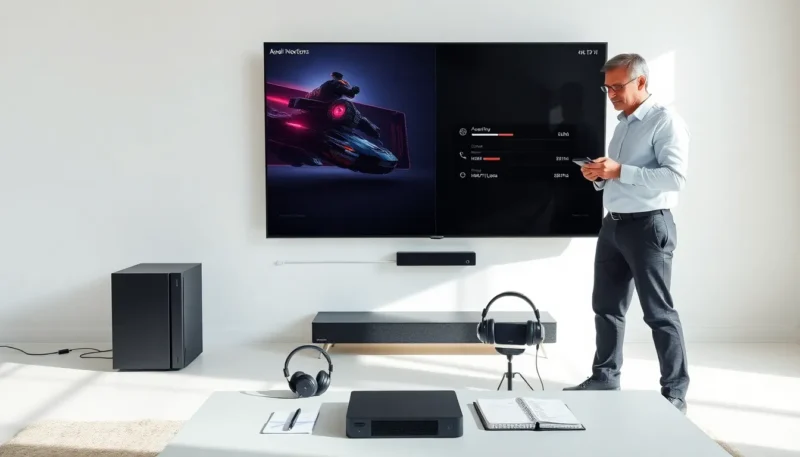
Soundbars add depth to TV audio and make effects clearer. Controller-compatible speakers pair with consoles for quick voice chat playback. Players buy soundbars with HDMI eARC support to keep full audio quality. Small gaming speakers fit beside a TV and cost less than a full surround set.
Storage, Power, And Performance Upgrades
External SSDs, Expansion Cards, And Cloud Options
External SSDs increase load speed and save install space. Expansion cards slot into compatible consoles to add internal-like storage. Cloud saves keep progress safe and free up local storage. Players pick SSDs with USB 3.1 or higher for fast transfer. Gamers check console compatibility and read speeds before buying.
Surge Protectors, UPS, And Power Management
Surge protectors shield consoles from spikes and power surges. A UPS gives time to shut down during an outage and prevents data loss. Players pick surge protectors with a high joule rating for longer protection. Gamers who stream from home should add a UPS to protect peripherals and network equipment.
Cooling Stands And Performance Accessories
Cooling stands lift consoles and increase airflow. Fans in stands help reduce thermal throttling under long sessions. Thermal pads and vents can aid heat dissipation for older systems. Players place consoles in open areas and avoid stacking devices. Gamers should keep vents clear and dust-free.
Display, Streaming, And Capture Gear
HDMI Cables, Capture Cards, And Streaming Setups
High-speed HDMI cables deliver 4K and HDR signals to TVs and monitors. Capture cards record gameplay for streaming and editing. Players choose capture cards with USB 3.0 or PCIe interfaces. Streamers pair a capture card with streaming software to broadcast live. Gamers should match cable capabilities to console output.
Console Stands, TV Mounts, And Docking Solutions
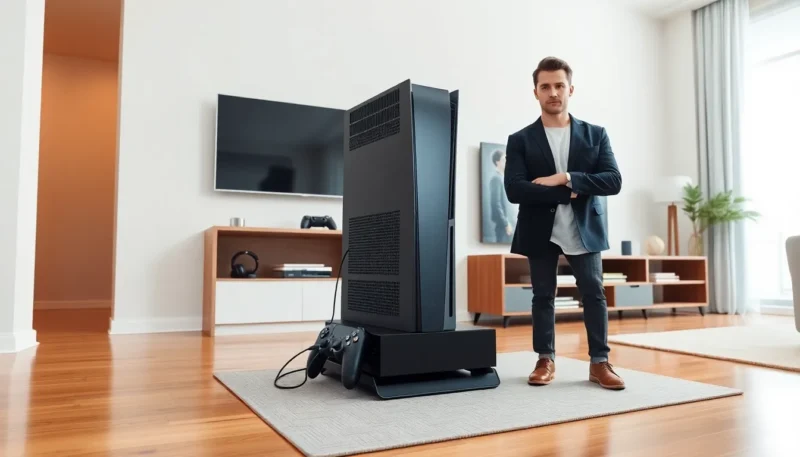
Console stands help position a console vertically and save shelf space. TV mounts free floor space and reduce glare from windows. Docking solutions secure a console and keep cables neat. Players check weight limits and ventilation when mounting TVs or standing consoles.
Webcams, Lighting, And On-Camera Accessories
Webcams provide a player facecam for streams. Soft lighting and LED panels improve on-camera look. Players add ring lights or small softboxes to remove shadows. Mounts and clamps hold cameras steady and close to the screen. Streamers should set white balance to match room lighting.
Comfort, Organization, And Safety Accessories
Gaming Chairs, Lap Desks, And Mountable Trays
Gaming chairs offer lumbar support and adjustable height. Lap desks let players hold a controller or laptop on the couch. Mountable trays attach to armrests and free up floor space. Players pick chairs that fit body size and budget. Gamers who play long sessions should invest in support to reduce strain.
Cable Management, Storage Racks, And Travel Cases
Cable management ties reduce tangles and speed cleanup. Storage racks organize games, controllers, and accessories. Travel cases protect consoles for trips or tournaments. Players label cables and use Velcro ties for easy changes. Gamers who travel often should buy padded cases with secure latches.
Cleaning Kits, Privacy Covers, And Child Safety
Cleaning kits remove dust and grime from consoles and controllers. Privacy covers block webcam view when players are off-camera. Child safety locks prevent small hands from accessing vents or ports. Players follow manufacturer cleaning instructions to avoid damage. Gamers with children should add covers and locks to prevent accidents.
How To Choose Accessories: Budget, Compatibility, And Use Case
Prioritizing Needs: Casual Play Vs. Competitive Or Streaming
Players set goals before buying accessories. Casual players buy comfort, storage, and simple headsets. Competitive players buy low-latency headsets, trigger mods, and performance storage. Streamers buy capture cards, mics, and lighting. Buyers match accessories to play style and budget.
Compatibility Checklist And Warranty Considerations
Buyers check console model, firmware, and port type for compatibility. They read product specs and user reviews for real-world fit. Warranties cover defects but not user modification. Players keep receipts and register products when possible.
Where To Buy And How To Spot Quality
Shoppers buy from official stores, reputable retailers, or trusted marketplaces. They compare prices and read multiple reviews. Quality products show clear specs, good materials, and reliable customer support. Players avoid suspiciously cheap accessories that lack details or reviews.