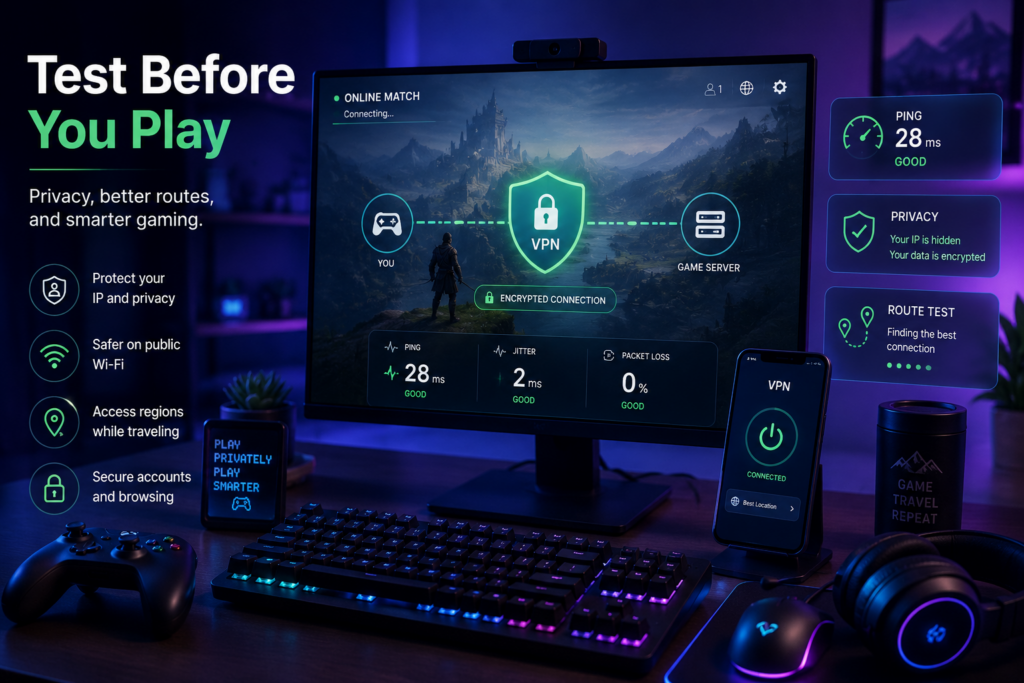
Gamers hear a lot of mixed advice about VPNs. Some people say a VPN can improve every gaming session. Others say a VPN will always slow things down. The truth is more balanced.
A VPN can help in some gaming-related situations, especially around privacy, public Wi-Fi, travel, account access, and browser-based gaming activity. But it is not a magic tool for lower ping, better matchmaking, or instant performance gains.
For gamers, the best approach is to understand what a VPN actually changes, when it may help, and when it may create extra problems. That way, players can make better choices instead of relying on hype.
What a VPN Actually Changes When You Game
A VPN, or virtual private network, routes internet traffic through a VPN server. When it is active, websites and online services may see the VPN server’s IP address instead of the player’s original network IP address.
This can be useful for privacy, but it also changes the route between the player and the online service. In gaming, that route matters. Online games depend on fast, stable communication between the player’s device and the game server.
A VPN may improve routing in some cases, especially if the normal connection path is poor. But it can also increase latency if the VPN server is far away, crowded, or not well matched to the game server. This is why no one should assume that a VPN will always lower ping.
Ping, latency, jitter, server distance, Wi-Fi quality, local hardware, router settings, and background downloads can all affect gameplay. A VPN is only one part of that larger connection picture.
Privacy and IP Exposure in Online Gaming
Gaming is not only about the match itself. Players use launchers, stores, forums, voice chat, cloud gaming platforms, tournament sites, streaming tools, and account dashboards. All of these activities involve online accounts and network connections.
Some players care about keeping their home network less visible, especially in competitive spaces, public communities, or streaming environments. A VPN may help reduce direct exposure of a player’s original IP address in some browsing and connection contexts.
This does not mean a VPN is a complete protection plan. It should not be treated as guaranteed DDoS protection or a way to avoid every security risk. Serious protection for streamers, tournament players, or professional teams may require stronger network security, platform-level protections, account safeguards, and good moderation practices.
For regular players, the privacy benefit is simpler. A VPN can add a layer between the player’s device and some online services. This can be useful when browsing game forums, managing accounts, or using public Wi-Fi.
When a VPN Can Make Sense for Gamers
A VPN can make sense when players use networks they do not control. This may include hotel Wi-Fi, dorm networks, airport Wi-Fi, cafés, shared apartments, or public spaces. These networks may be convenient, but they are not always private or stable.
A VPN can also be useful when traveling. Players may want to check game accounts, browse stores, join communities, or access cloud gaming platforms from different locations. In these cases, a VPN may help create a more private browsing setup.
For players who switch between PC gaming, mobile games, browser-based platforms, and streaming services, choosing a clear VPN download source can make setup easier across different devices. The important point is to test the connection with the games and platforms you actually use instead of assuming one setting will work for everything.
X-VPN, for example, organizes downloads across major platforms, which can be useful for players who move between desktop, mobile, and browser-based gaming environments. For gamers who use more than one device, simple platform options can reduce setup confusion.
A VPN may also help players test a different network route when their normal connection performs badly. But this should be treated as a test, not a guarantee. If ping improves, that is useful. If it gets worse, the VPN server or route may not be a good fit for that game.
When a VPN May Not Help
A VPN is not always the right fix for gaming problems. If the VPN server is far from the game server, it may add latency. If the server is overloaded, the connection may become less stable. If the game or platform blocks VPN traffic, the player may not be able to connect at all.
Some games and services also have rules about VPN use, especially when account region, pricing, matchmaking, or competitive play is involved. Players should check the terms of the game or platform before using a VPN in situations where account access or region rules may matter.
A VPN also will not fix every local network problem. If the player’s Wi-Fi is weak, the router is old, the device is overloaded, or background downloads are running, a VPN may not help. In some cases, it may make the connection worse.
Sometimes the better fix is simpler: use wired Ethernet, move closer to the router, close downloads, restart the modem, choose a closer game server, update the game client, or reduce other traffic on the network.
A good rule is to test before committing. Compare the game with the VPN on and off. Try different VPN server locations. Watch ping, packet loss, and stability. If performance gets worse, do not force it.
Browser-Based Gaming and Account Privacy
Gamers spend a lot of time in the browser, even when they are not actively playing. They browse game stores, read walkthroughs, watch streams, manage accounts, join forums, check patch notes, access cloud gaming platforms, and follow tournament updates.
Because so much gaming activity happens in the browser, browser privacy matters. Saved passwords, cookies, login sessions, browser extensions, and autofill settings can all affect account safety and browsing habits.
For players who manage accounts, browse game stores, use forums, or access cloud gaming platforms mainly through Chrome, a VPN Chrome extension can be a lighter browser-focused privacy option. A full VPN app may be better for device-wide use, but a browser extension can make sense when most activity happens inside the browser.
Players should also be careful with browser extensions in general. Extensions can be useful for screenshots, streaming tools, shopping alerts, account protection, and productivity. But they can also ask for broad access to website data. If an extension is not needed, remove it. If it looks suspicious, do not install it.
Gaming accounts often contain paid games, skins, subscriptions, payment methods, friend lists, chat history, and platform rewards. Protecting those accounts is just as important as protecting the game connection itself.
Public Wi-Fi Gaming Needs Extra Caution
Students, travelers, and remote workers often game on networks they do not own. Dorm Wi-Fi, hotel Wi-Fi, campus networks, cafés, airports, and shared apartments can all create different connection experiences.
Some of these networks may be slow. Some may block certain gaming services. Others may be fine for browsing but unstable for online multiplayer. A VPN may help with privacy in these situations, but it cannot make a weak network strong.
Account safety is also important on public Wi-Fi. Players should use strong passwords and turn on multi-factor authentication when available. This is especially important for accounts with purchased games, linked payment cards, rare items, or valuable in-game assets.
Players should avoid logging into important accounts through suspicious Wi-Fi networks. If a network name looks fake, or if the login page feels unusual, it is better to wait or use a more trusted connection.
For cloud gaming, public Wi-Fi quality matters even more. Cloud gaming depends on steady speed and low latency because the game is streamed in real time. A VPN may add privacy, but it may also add delay. Players should test carefully before using it for cloud gaming sessions.
Practical VPN Testing Tips for Gamers
Gamers should treat VPN use as something to test, not something to assume. A few simple checks can make the decision easier.
Start with one game at a time. Test the game with the VPN off, then test again with the VPN on. Compare ping, stability, loading time, and disconnects. If the game shows packet loss or latency numbers, watch those too.
Choose a VPN server that makes sense for the game. A server close to your own location or close to the game server may work better than one far away. Avoid crowded or distant servers if performance matters.
Check whether the game or platform allows VPN use. This matters for competitive games, region-based accounts, and platforms with strict rules. A VPN should not put your account at risk.
Use wired Ethernet when possible. Wi-Fi can be convenient, but a wired connection is often more stable for competitive gaming. If wired Ethernet is not possible, try to stay close to the router and reduce other traffic on the network.
Close background downloads, streaming apps, cloud backups, and large updates before testing. If another app is using bandwidth, it can affect the results and make the VPN look worse than it really is.
Finally, do not assume one VPN setting works for every game. A setup that works well for one title may not work well for another. Different games use different servers, regions, anti-cheat systems, and connection paths.
Use VPNs for the Right Gaming Reasons
A VPN can be useful for gamers, but only when used for the right reasons. It can help with privacy, public Wi-Fi browsing, travel, browser-based account access, and testing different routes. It may help in some network situations, but it can also add latency.
It should not be treated as a guaranteed way to lower ping, win matches, bypass every restriction, or protect against every attack. Gamers should be especially careful with claims that sound too easy.
The smarter approach is simple: know what problem you are trying to solve, test the VPN with your own games and devices, check platform rules, and keep account security strong.
For players who understand its limits, a VPN can be a useful tool. But like any gaming setup choice, it works best when tested carefully instead of trusted blindly.