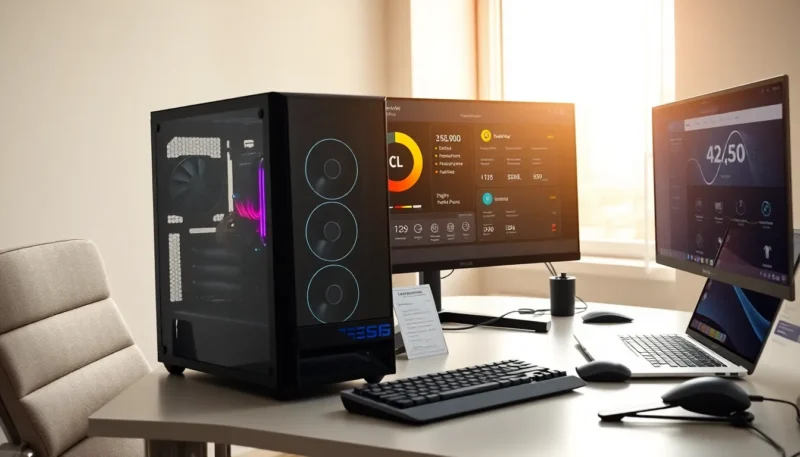
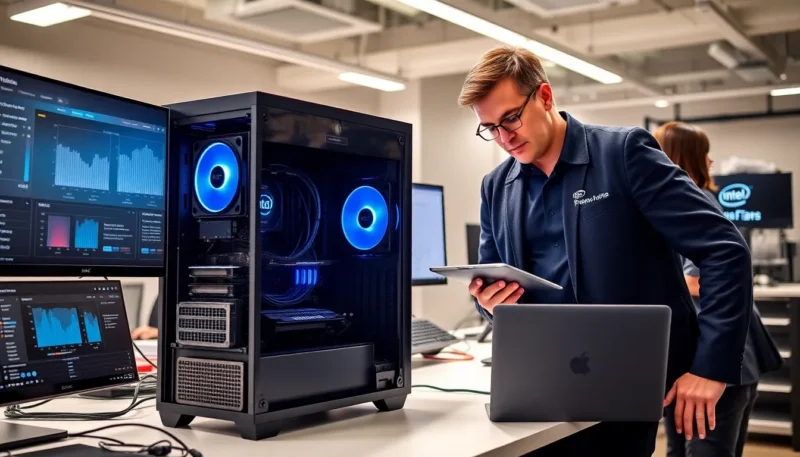
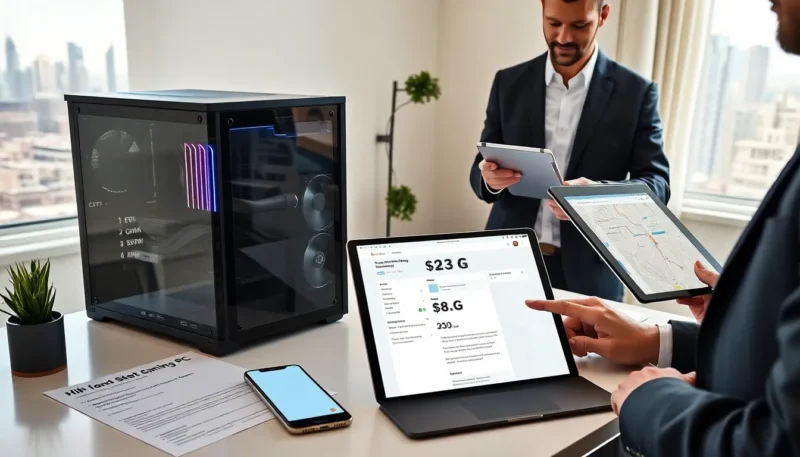
A 1000 dollar gaming pc can run modern games well. This guide explains what buyers can expect and how they can build or buy one. It lays out parts, trade-offs, and shopping tips. Readers get clear steps and a short checklist.
Key Takeaways
- A 1000 dollar gaming PC will deliver high-settings 1080p at 60+ FPS and solid light streaming, but expect upgrades in 3–5 years for top-tier performance.
- Prioritize GPU first and a solid mid-range CPU (Ryzen 5 or Core i5) to maximize gaming FPS per dollar.
- Build around 16GB DDR4 (2x8GB), a 500GB NVMe for OS/games plus a 1TB secondary drive, and a B-series motherboard with an M.2 slot for upgradeability.
- Choose a reliable 80+ Bronze (550–650W) PSU and a case with good airflow; save on aesthetics and splurge on cooling only if needed for lower noise or overclocking.
- Shop sales, compare retailers, consider prebuilts for convenience, and use a checklist for socket/RAM/GPU fit and BIOS/drivers after assembly to ensure a smooth 1000 dollar gaming PC purchase.
What You Can Expect From A $1,000 Gaming PC
A 1000 dollar gaming pc will handle 1080p gaming at high settings. It will often hit 60+ FPS in most titles. It can also handle light streaming and content work. It will not always reach stable 4K at high settings. It may need part upgrades in three to five years. Gamers will get a solid CPU and GPU combo in this price. They will see balanced RAM and fast storage. The machine will usually include a reliable power supply and decent case cooling. Buyers should expect mid-tier aesthetics and some plastic panels on prebuilt options.
Recommended Component Breakdown
CPU: Best Choices For Gaming And Value
A competent CPU matters for frame rates and system smoothness. For this budget, a mid-range CPU gives the best value. Options include modern 4- to 6-core AMD and Intel chips. AMD Ryzen 5 or Intel Core i5 models fit the price and performance targets. They deliver good single-thread and multi-thread results. Buyers should choose a CPU with a current socket to allow future upgrades.
GPU: Performance Targets And Recommended Models
The GPU will shape gaming performance the most. A 1000 dollar gaming pc should use a strong mid-range GPU. Aim for cards that target high 1080p or entry 1440p performance. Recommended models include recent GPUs with solid value per dollar. These cards hit 60+ FPS in many titles at high settings. They also have reasonable power and cooling demands.
Motherboard: Features To Prioritize
The motherboard must match the CPU socket. Buyers should prefer boards with M.2 NVMe slots and at least one PCIe x16 slot. USB-C or USB 3.2 helps future connectivity. A mid-range B-series or B550-equivalent board will fit the budget. It will offer stability and upgrade headroom.
Memory: Capacity And Speed Guidance
Memory affects load times and multitasking. Aim for 16GB DDR4 as a minimum. Buyers can buy a 2x8GB kit for dual-channel performance. If the budget allows, choose faster RAM within the CPU/motherboard spec. 3200MHz is a practical target for Ryzen systems.
Storage: NVMe Vs SATA And Capacity Balancing
Fast storage improves boot and load times. NVMe drives deliver clear speed gains over SATA SSDs. A balanced setup uses a 500GB NVMe for OS and key games plus a 1TB SATA HDD or SSD for bulk storage. This split keeps costs down while keeping performance high.
Power Supply And Case: Reliability And Airflow Tips
A quality power supply protects components. Select a PSU with an 80+ Bronze or better rating. Choose a wattage that allows GPU headroom, typically 550–650W for this build. A case should allow good airflow and fit standard GPUs. Buyers should prefer cases with front intake fans and clear cable routes.
Cooling: Stock Vs Aftermarket Options
Stock coolers can work for mid-range CPUs under light load. An aftermarket cooler improves temps and noise levels. A modest air cooler fits most budgets and cases. Liquid AIO coolers add cost and complexity and rarely match value for a 1000 dollar gaming pc.
Custom Build Versus Prebuilt: Pros And Cons
A custom build gives control over each part and often better value. Buyers may save money by choosing parts on sale. Building requires time and basic skills. Prebuilt systems save time and include support and warranty. Prebuilts may add a small premium for assembly. A prebuilt can include cable management and tested configurations. A custom build lets buyers mix brands and exact specs for the 1000 dollar gaming pc.
Where To Save And Where To Splurge
Buyers should save on the case and RGB extras. They should choose solid but economical cases. They should also save by choosing a reliable mid-tier PSU. Buyers should splurge on the GPU first. The GPU gives the largest FPS gains per dollar. They should also invest in a good CPU if they plan to stream. Spend enough on storage to avoid frequent upgrades. Do not overspend on top-tier motherboards or fancy cooling when funds are tight.
Peripherals And Extras To Budget For
A PC needs a monitor, keyboard, mouse, and headset. A 24-inch 1080p 144Hz monitor pairs well with a 1000 dollar gaming pc. Mechanical keyboards offer long-term value. A wired mouse can reduce input lag. A headset with a good microphone helps streaming and voice chat. Buyers should allocate about $200–$350 for quality peripherals if they start from scratch. They should also budget for an OS license or use a free Linux option.
Timing, Deals, And Buying Tips
Buyers get the best value during seasonal sales and component refreshes. Check prices across multiple retailers before purchase. Use price trackers and set alerts for key components. Consider recent GPU and CPU releases that can push older models into deal territory. Buy parts with a solid return policy. For prebuilt systems, confirm warranty and parts list match the advertised specs. Keep an eye on used market deals for GPUs and cases to stretch a 1000 dollar gaming pc budget.
Quick Build Checklist And Compatibility Reminders
- Confirm CPU and motherboard socket compatibility.
- Check RAM type and motherboard supported speeds.
- Verify GPU length fits the case.
- Ensure PSU wattage and connectors match the GPU and CPU.
- Use an NVMe slot if the motherboard supports it.
- Reserve space for additional storage later.
- Test the system and update BIOS and drivers after assembly.
- Keep receipts and warranty info for each component to simplify returns and RMA for the 1000 dollar gaming pc.