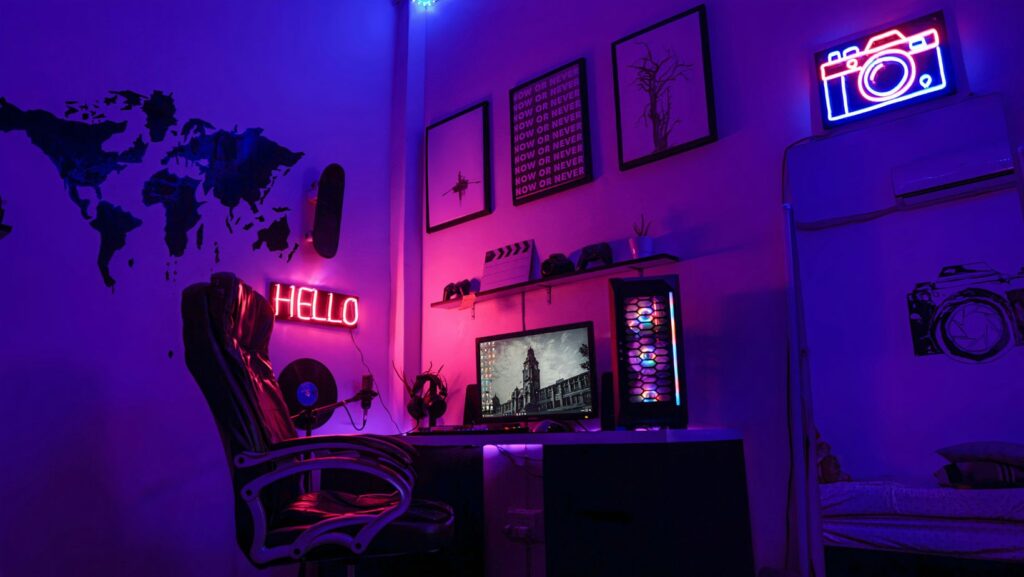
Moving is stressful enough, but for gamers, the challenge goes beyond packing boxes. Your gaming setup—whether a high-end PC, console collection, or a fully optimized streaming station—is a carefully arranged space that can’t just be tossed into a moving truck.
Relocating without compromising performance, organization, or safety takes planning, so read on for some top tips if you are planning on relocating your gaming setup.
Plan Ahead for a Seamless Transition
Start by evaluating your setup. Take pictures of your desk arrangement, cable management, and monitor positioning before unplugging anything. This will help you reassemble everything correctly in your new space. Also, label cables and accessories with tape or tags to avoid confusion.
If you’re upgrading your setup post-move, consider what furniture, lighting, or peripherals you might need in your new location. A larger room could allow for additional screens or improved acoustics, while a smaller space might require creative organization.
Protect Your Equipment
Gaming gear is expensive, so protecting it during the move is a top priority. Use original boxes if available, especially for monitors and gaming PCs.
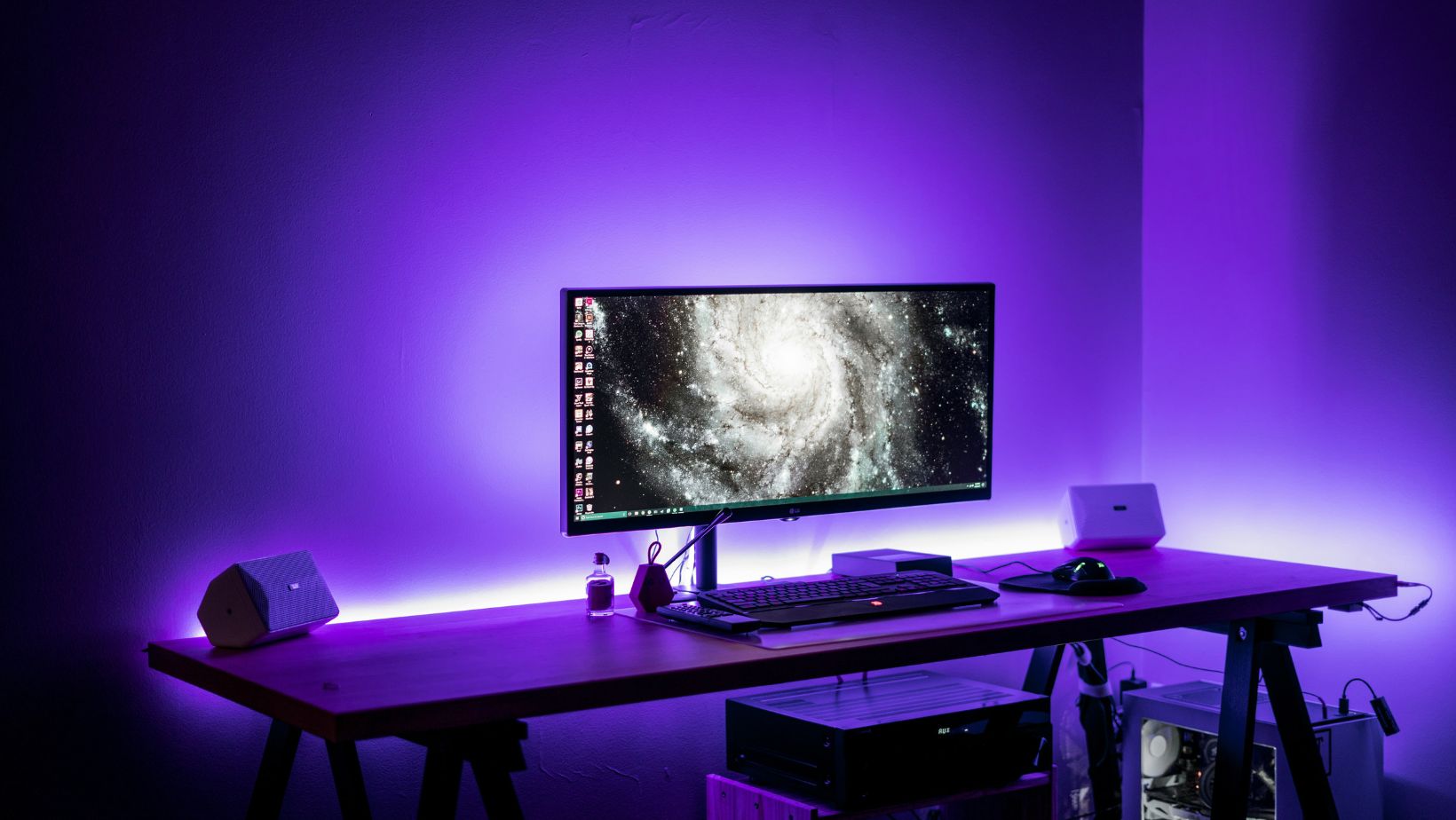
If not, wrap them in anti-static bubble wrap and place them in sturdy containers with ample padding. Remove GPUs, hard drives, and other delicate components from your PC case if you’re moving a long distance to prevent internal damage.
Controllers, headsets, and smaller accessories should be packed separately in padded cases. Keep your most valuable or sensitive items—like external hard drives or gaming laptops—with you rather than in a moving truck.
Secure a Reliable Internet Connection
Nothing is more frustrating than setting up your gaming space only to struggle with slow internet speeds. Before moving, check your new location’s internet options. If you’re a competitive or streaming gamer, ensure you can get a high-speed, low-latency connection.
Contact your provider in advance to schedule installation on or before your move-in date.
For added stability, invest in a quality router and Ethernet cables instead of relying solely on Wi-Fi. If your gaming room is far from the router, a powerline adapter or mesh network can help maintain strong connectivity.
Transporting Larger Gaming Essentials
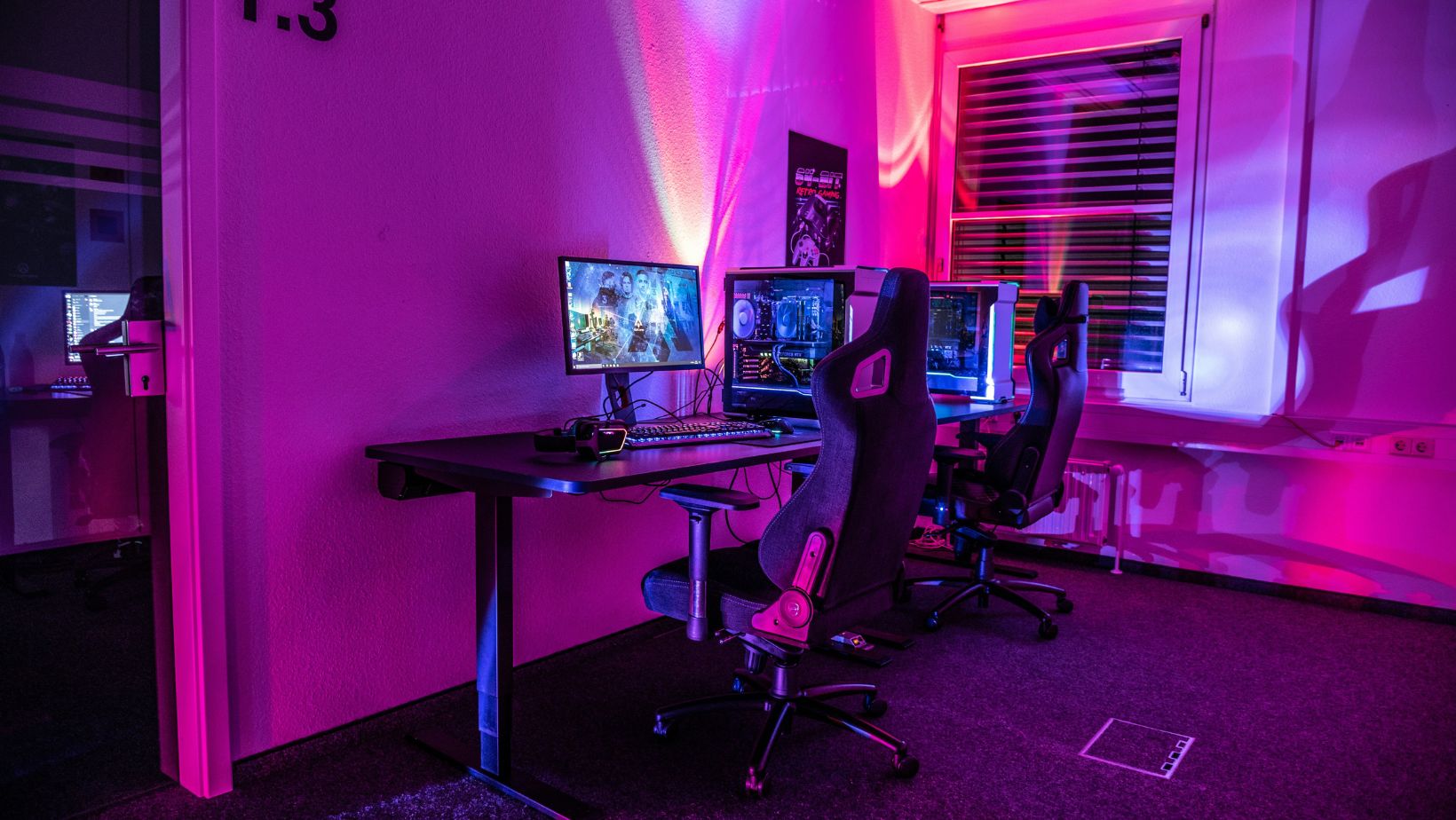
If you own a racing simulator, gaming chair, or an elaborate VR setup, you may need special arrangements. Dismantle bulky items when possible and use ziplock bags for screws and small parts.
For those moving across states, especially with a gaming-ready vehicle, considering California car shipping services can ensure your gaming setup arrives in pristine condition.
Setting Up in Your New Space
Once you arrive, refer to the photos you took of your previous setup. Position your desk, monitor stands, and cable management solutions before plugging everything in. Test each component individually to confirm they survived the move intact.
If you’re dealing with a new room layout, experiment with different configurations for the best comfort and functionality. Lighting plays a big role in gaming ambiance, so consider LED strips or bias lighting to enhance immersion.
Enjoy Your Upgraded Space
A move is a fresh start—embrace it! Whether upgrading to a larger space, improving ergonomics, or simply reorganizing, use this opportunity to optimize your setup for an even better gaming experience. With careful planning and protection, your gaming haven will be back up and running in no time.